
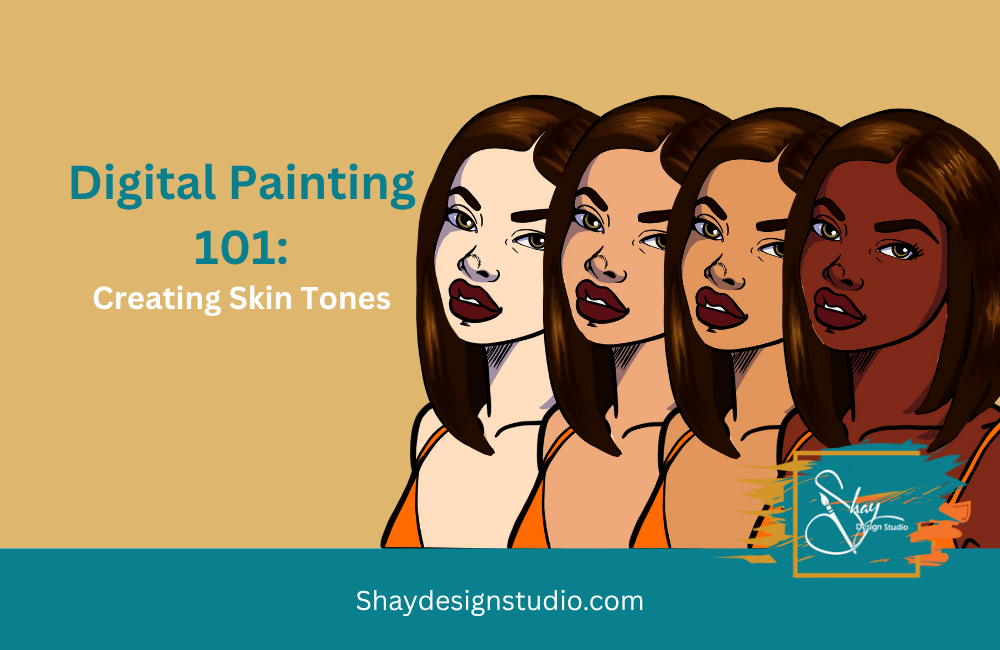
Creating a skin tone palette in Procreate with base, highlight, and shadow tones is a game-changer for smooth, dimensional coloring.
Step-by-Step: Build a Skin Tone Palette in Procreate
The first step in creating skin tones in procreate is to choose your base color
Skin Tones tend to be in the yellow, orange range on the color wheel.
Use the color wheel to find your skin tone. If you want to add warmth to the skintone adjust the outer dial within the yellow and orange range.


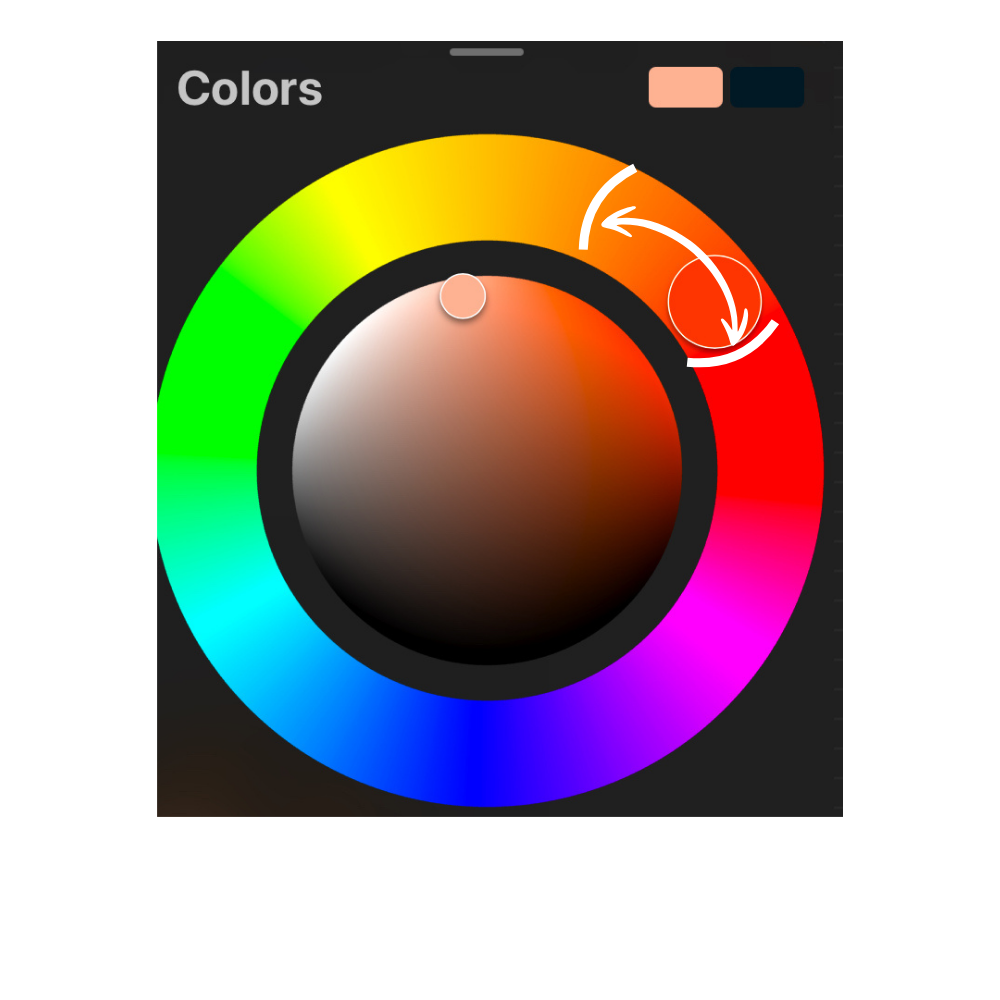
Once you’ve picked your perfect skin tone, it’s time to bring it to life with highlights and shadows.
Creating Highlights
Highlight Trick: Tap your base color in the color picker, then gently drag it up and to the left—toward yellow or pink—for a warm, natural glow. Think of it like drawing a tiny upside-down “L” with your finger. That’s your shortcut to radiant highlights!
Need more warmth? Spin the outer color wheel dial to boost saturation and really make that skin tone shine.
Creating Shadows
Shadow Time: Select your base color again, but this time drag it down and to the right. You’ll see the color deepen beautifully—hello, instant depth and dimension.
Once you have all you skin tones created you can now add them to your character.
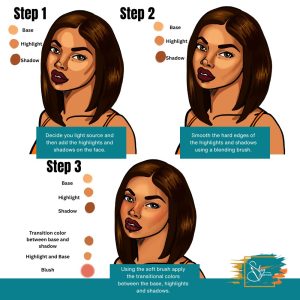
Step 1: Find your light source and then add the base first and then the highlights and shadows.
Step 2: With a blending brush-I use a standard blending brush download here.. You can blend out the hard edges of the shadows and highlights.
Step 3: Create a new layer and then move the colore picker between shadow and base to create a transitional color. Use a soft brush to over over where the shadow and base connect. Do the same with the highlights and the base skin tone.
Step 3:
You’ve officially unlocked the power of light and shadow, Shayla! By learning how to craft highlights and shadows from your base skin tone in Procreate, you’re not just adding color—you’re adding dimension, personality, and depth to your characters. With just a few shifts in the color picker and a little intentional layering, your portraits can go from flat to full of life.
Keep practicing with different undertones and lighting styles to build a palette that works for you.
